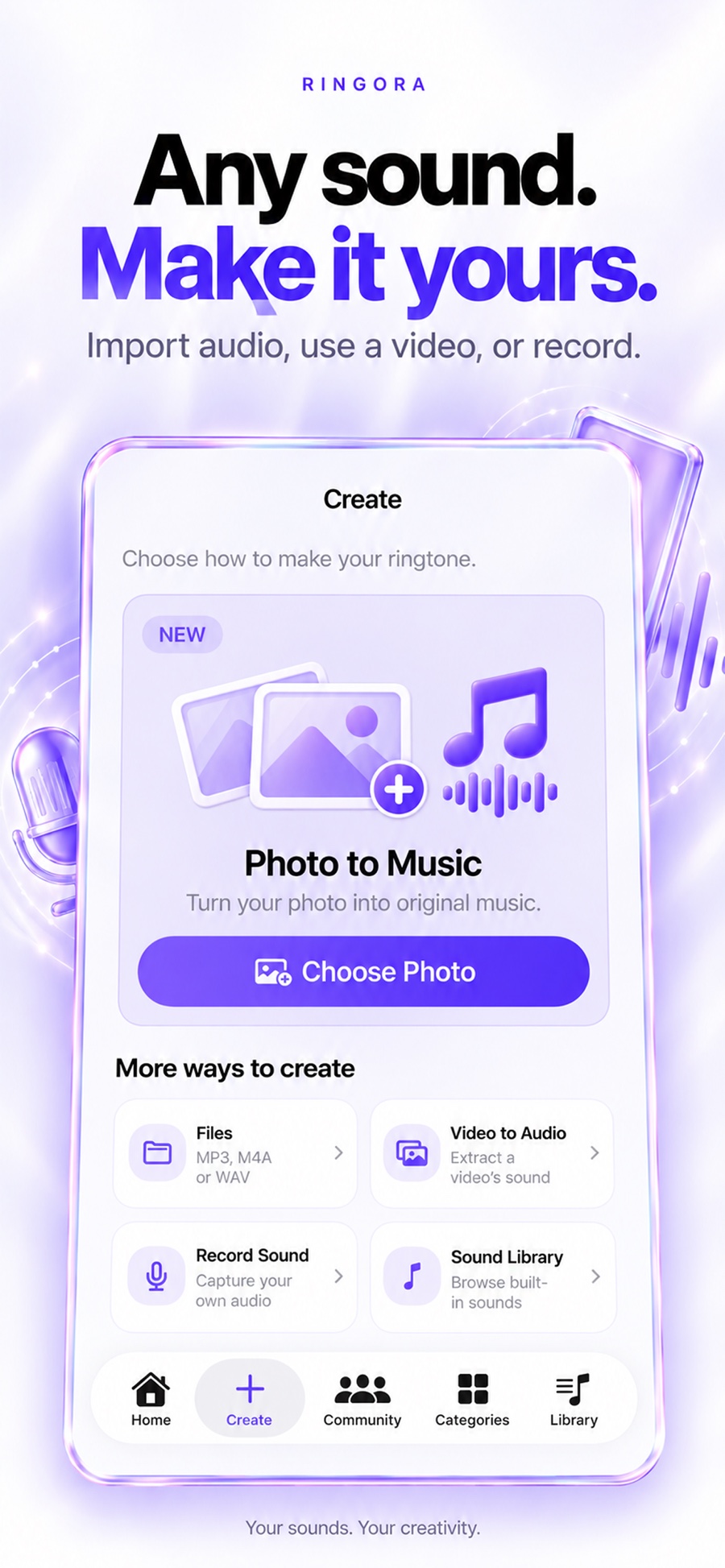
Files, videos, recordings, or built-in sounds.
Start with MP3, M4A, or WAV audio, pull audio from a video in Photos, capture a voice or musical idea, or explore the Ringora library.
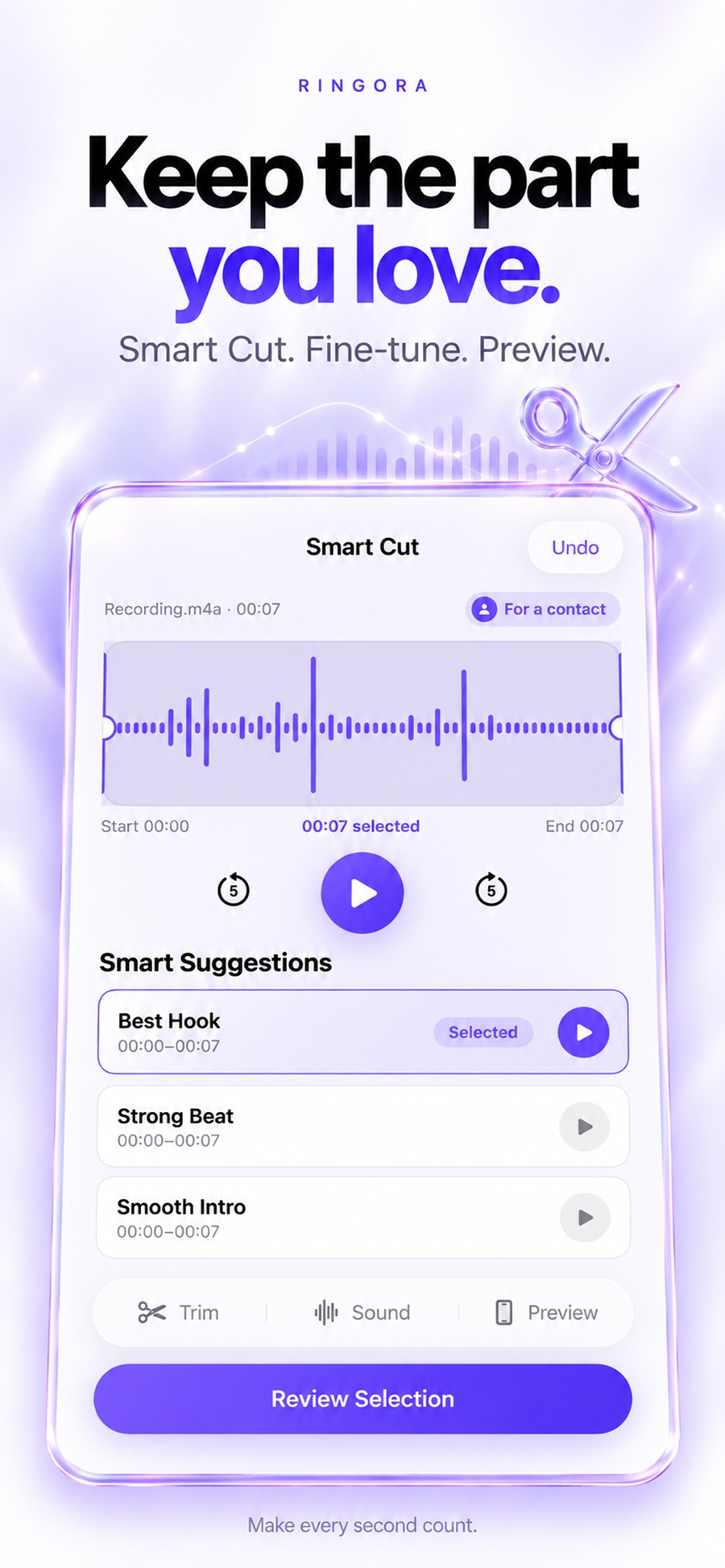
Turn your favorite audio into a ringtone that sounds great from the very first ring. Smart Cut finds strong moments, then simple controls help you make them yours.
Import something you already love, extract the sound from a video, record a new idea, or choose a polished sound from the built-in library.
Start with MP3, M4A, or WAV audio, pull audio from a video in Photos, capture a voice or musical idea, or explore the Ringora library.
Fine-tune the section, balance loudness, and add a quick or smooth fade before you export.
Name projects, choose covers, mark favorites, search quickly, and filter recordings or imported audio.
Ringora analyzes the shape of your audio and suggests sections worth hearing first. Pick a strong starting point, then trim it exactly the way you want.
Use manual trimming when you know the exact moment. Adjust loudness, set a fade-in and fade-out, and preview the result before saving.
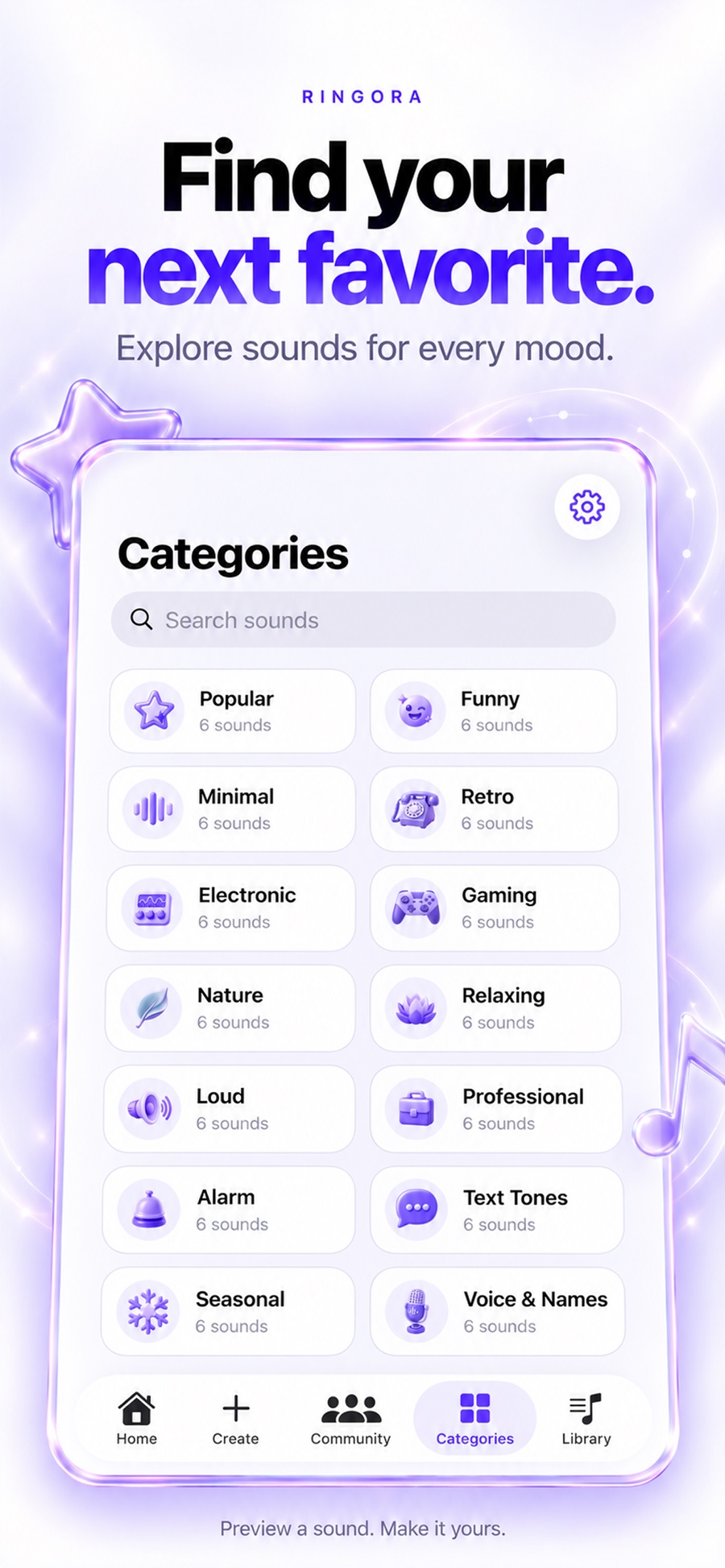
Browse ready-made ringtones for everyday calls, alarms, messages, work, games, quiet moments, and everything in between.
Name your sound, choose a cover, keep an editable project, and export through the iPhone Share Sheet when it is ready.
Choose a Smart Cut suggestion or trim a section by hand.
Add a name and cover so it is easy to find later.
Preview the finished sound, then continue through the Share Sheet.


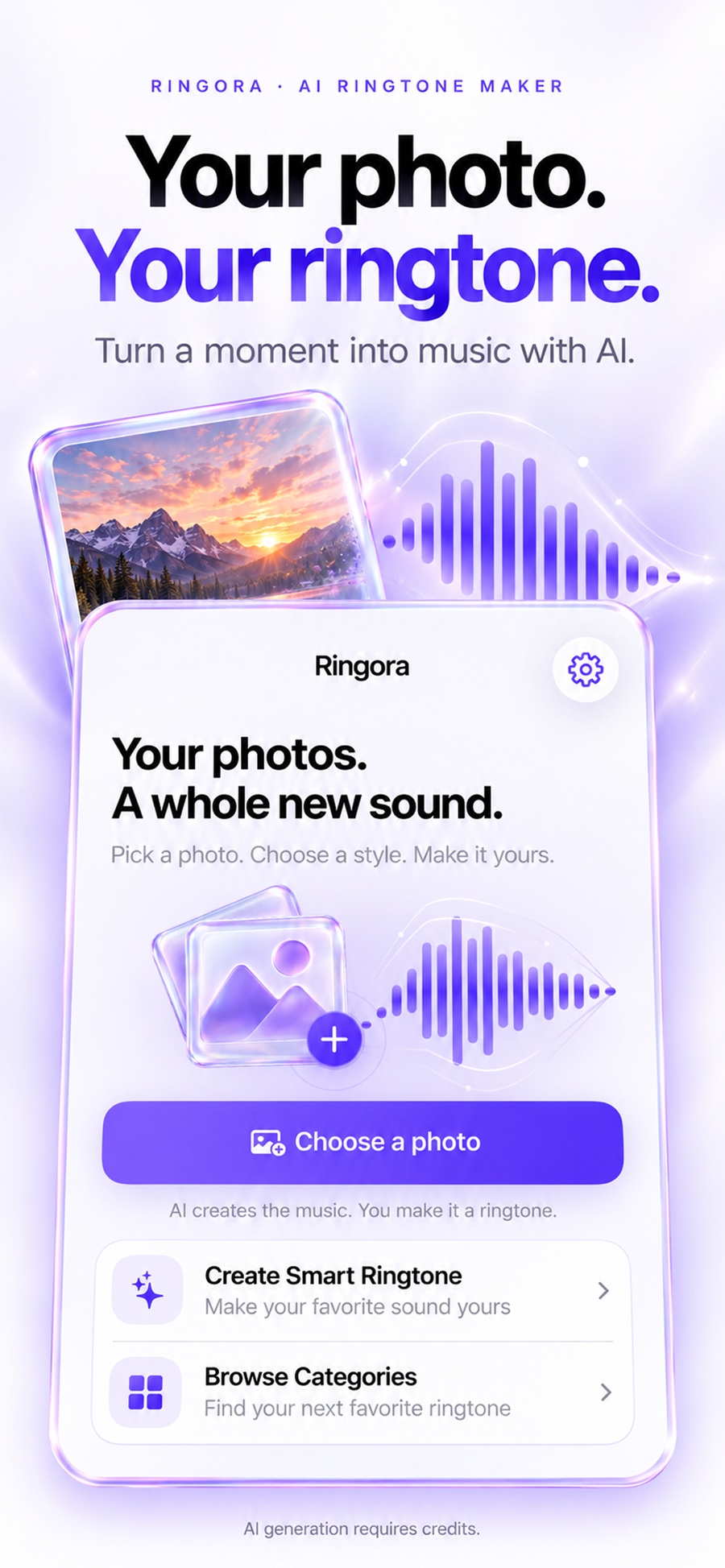
Try the complete creation flow for free. Upgrade for the full sound library, unlimited custom projects, and unlimited exports.
Create a custom iPhone ringtone from audio, video, a recording, or one of 84 curated sounds.