webOS Smart TVs
Local-network discovery, pairing, remote buttons, and model-dependent pointer features.
 GuruRemote for iPhone
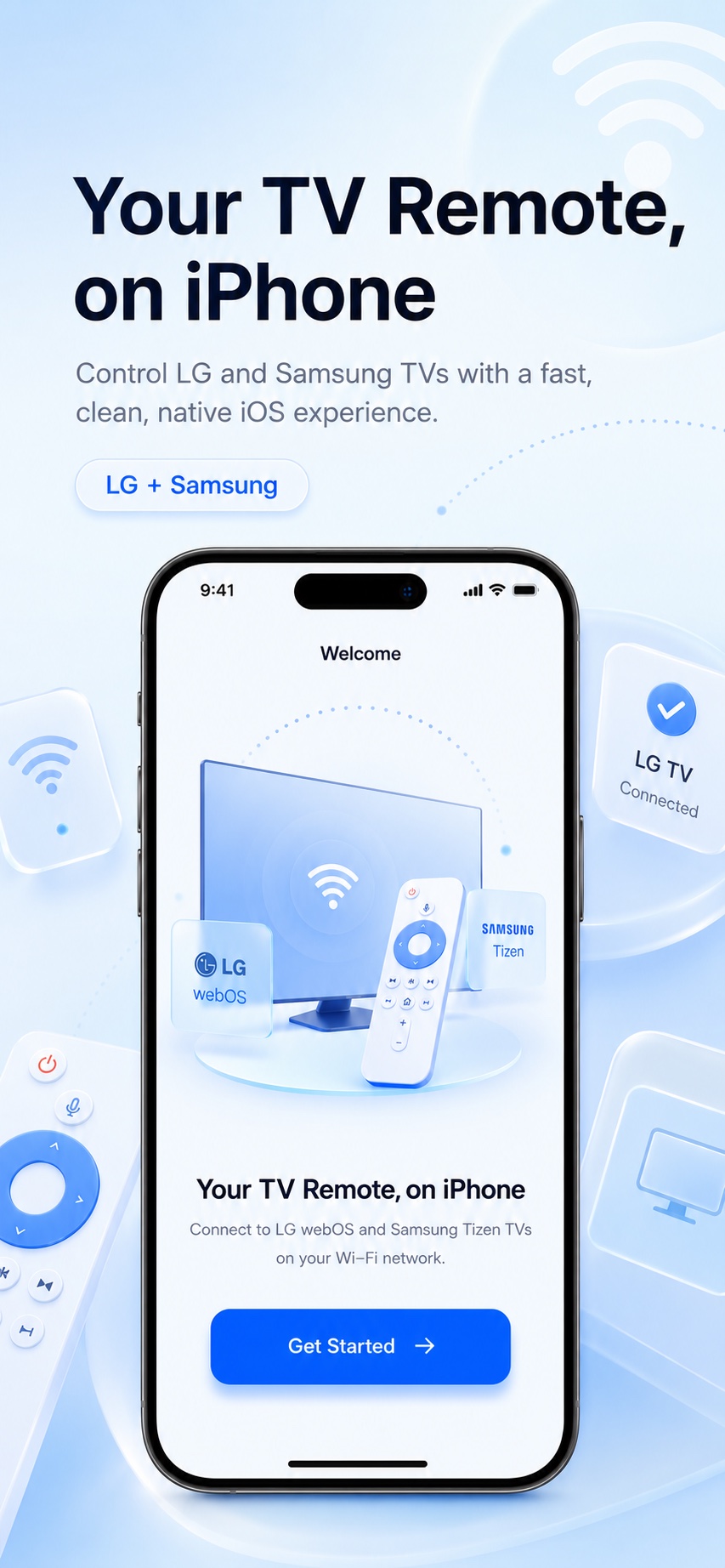
A simple, fast remote for supported LG webOS and Samsung Tizen TVs. Connect over your local network and get back to watching without searching for the physical remote.
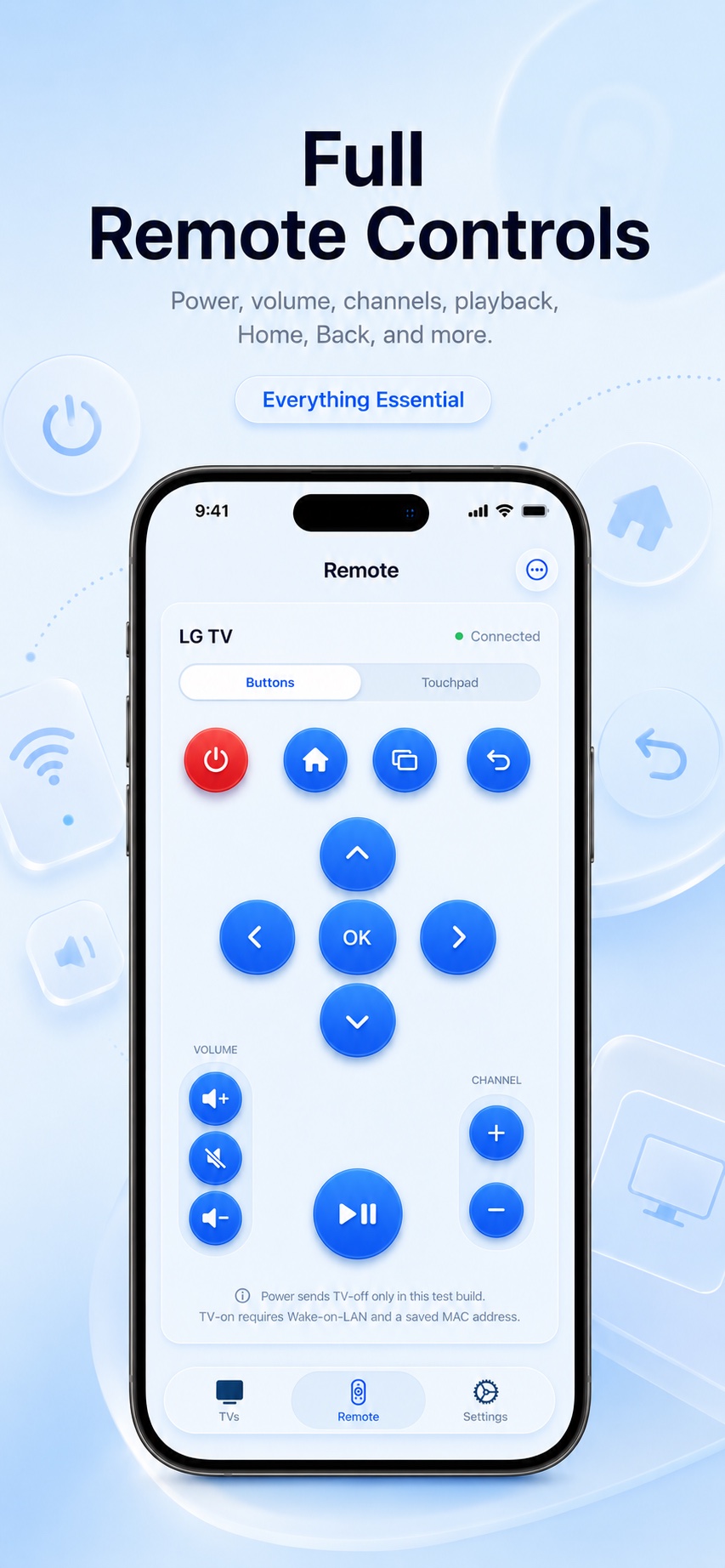
Use the controls you reach for every day, organized around a clear, native iOS experience.
D-pad, OK, power, volume, mute, channels, navigation, playback, inputs, and source controls.
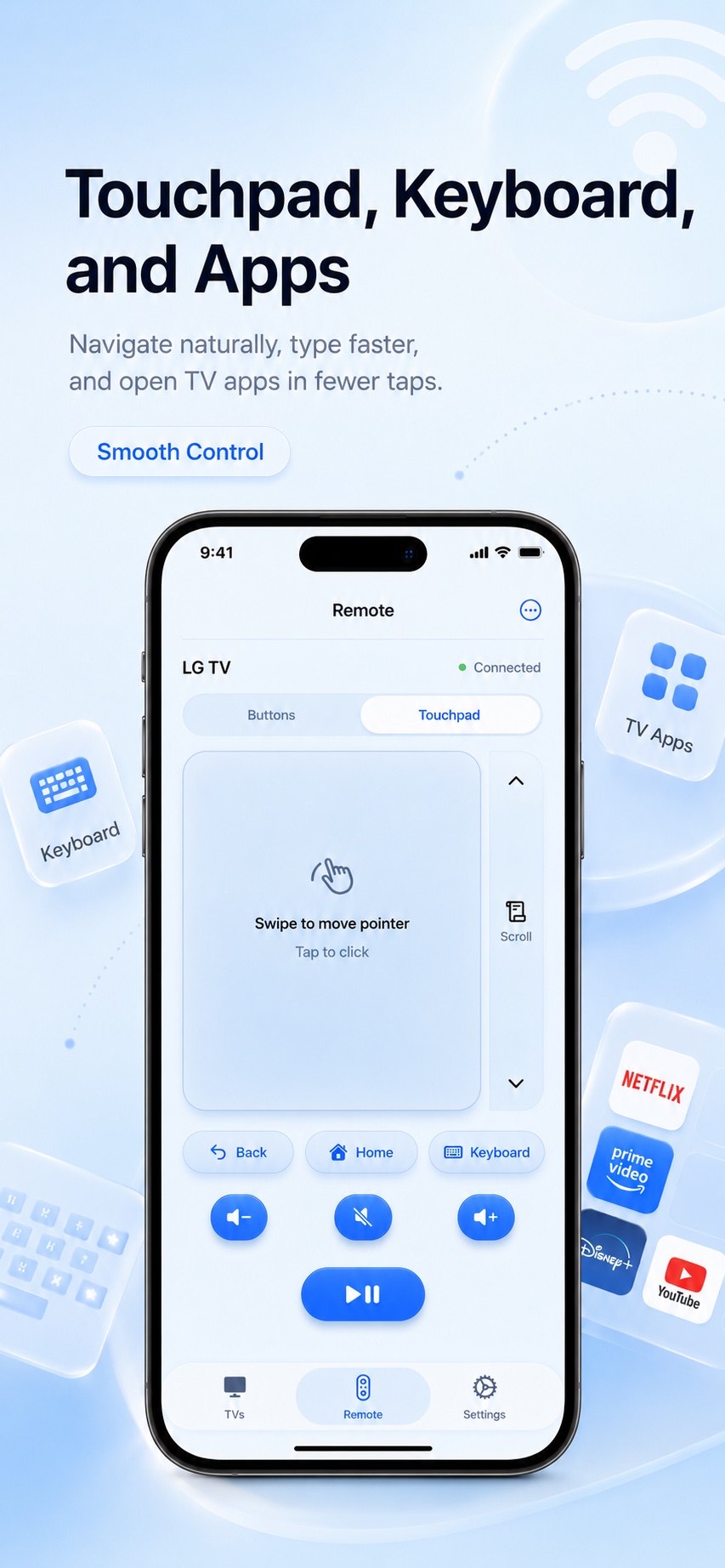
Switch from familiar remote buttons to a roomy touchpad. Move the pointer with a swipe, scroll without hunting for arrows, and open the TV keyboard where supported.
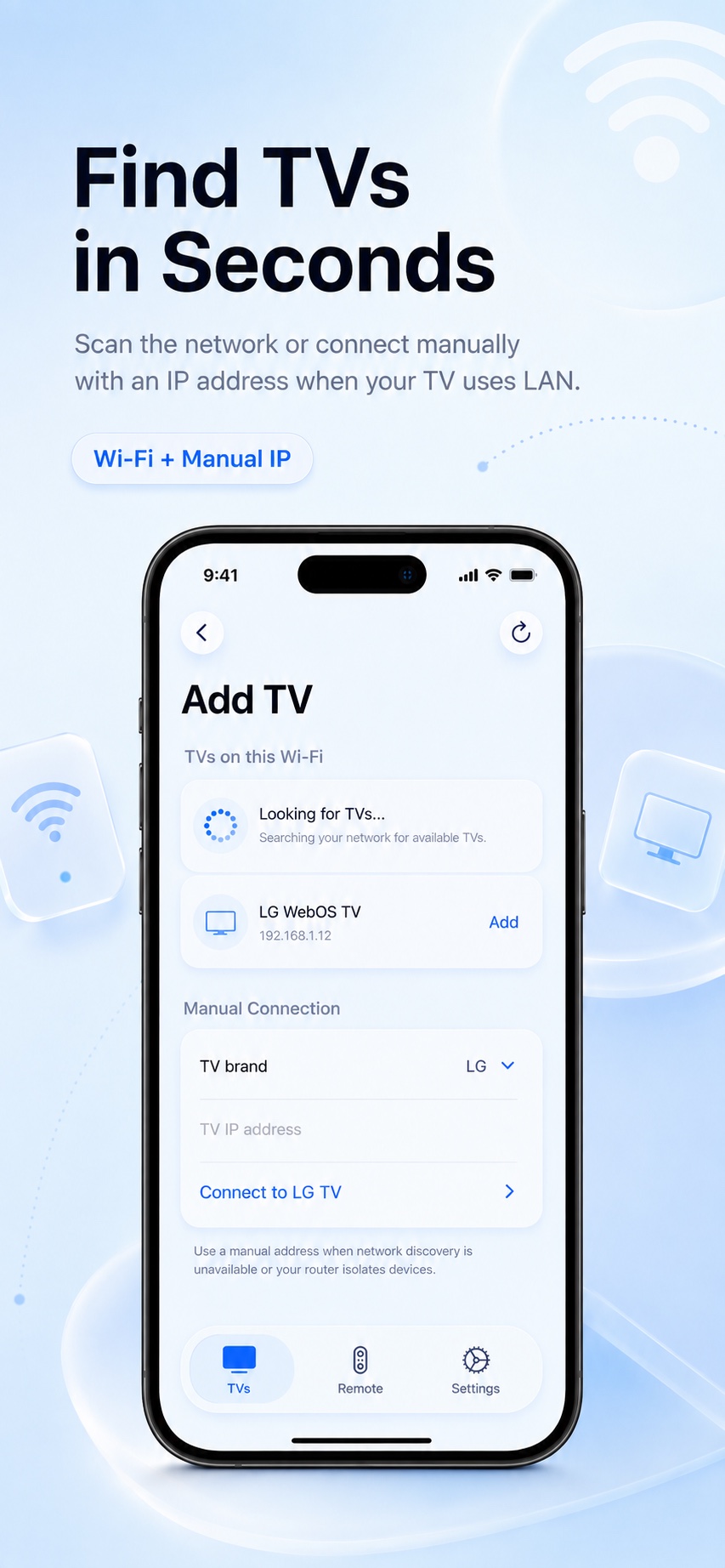
GuruRemote scans your local network for compatible TVs and guides you through pairing. Your iPhone connects over Wi-Fi; your TV can use Wi-Fi or Ethernet on the same network.
Connect your iPhone and TV to the same local network.
Choose a discovered device and accept the pairing prompt on the TV.
Enter the TV IP address when network discovery is unavailable.
GuruRemote is designed for supported Smart TVs from LG and Samsung. Available controls can vary with the TV model, firmware, installed apps, and network configuration.
Local-network discovery, pairing, remote buttons, and model-dependent pointer features.
Local-network pairing and supported navigation, media, source, volume, and channel controls.
GuruRemote is an independent application and is not affiliated with, endorsed by, or sponsored by LG Electronics or Samsung Electronics.
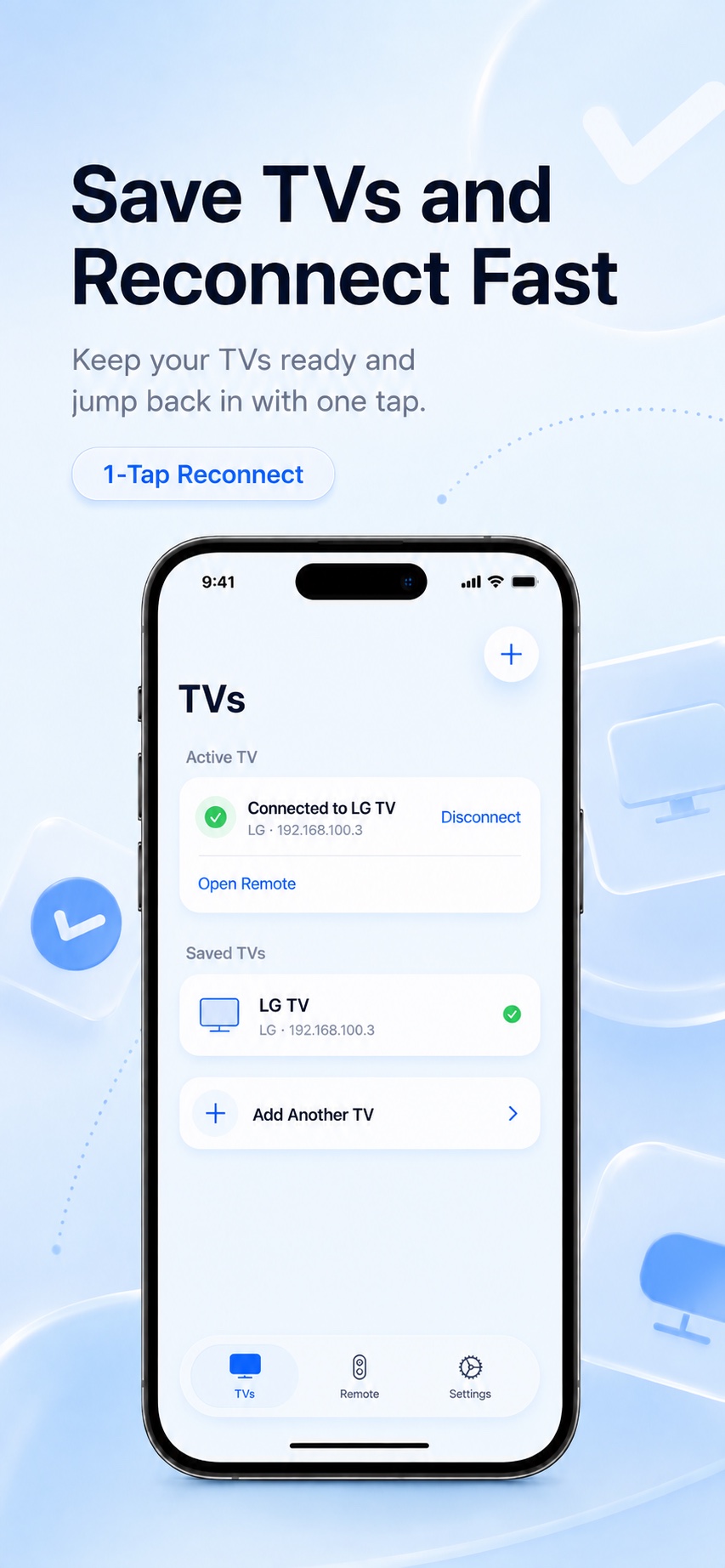
Some advanced convenience and personalization features require GuruRemote Pro. Exact included features are shown in the app before purchase.
Auto-renewing access to GuruRemote Pro, managed through your Apple ID subscription settings.
Unlock GuruRemote Pro for the lifetime of the app with one non-consumable purchase.
Purchase and subscription termsTurn your iPhone into a fast remote for supported LG webOS and Samsung Tizen Smart TVs.