Start with your words.
Write from scratch, paste a thought, or import TXT and PDF files—even scanned pages. Your scripts save as you go.
Local library · Search · AutosaveDesigned around iPhone Duo
Your words, right beside the lens. Your studio, unfolded.
Meet the rear teleprompter made for a real connection.
iOS 27.1 or later · Subscription required · 3-day trial for eligible users
A closer look at the Duo experience. Device illustration.
A place for every take
Write it. Find your rhythm. Hit record.
Everything you need to feel prepared, all in one thoughtful little studio.
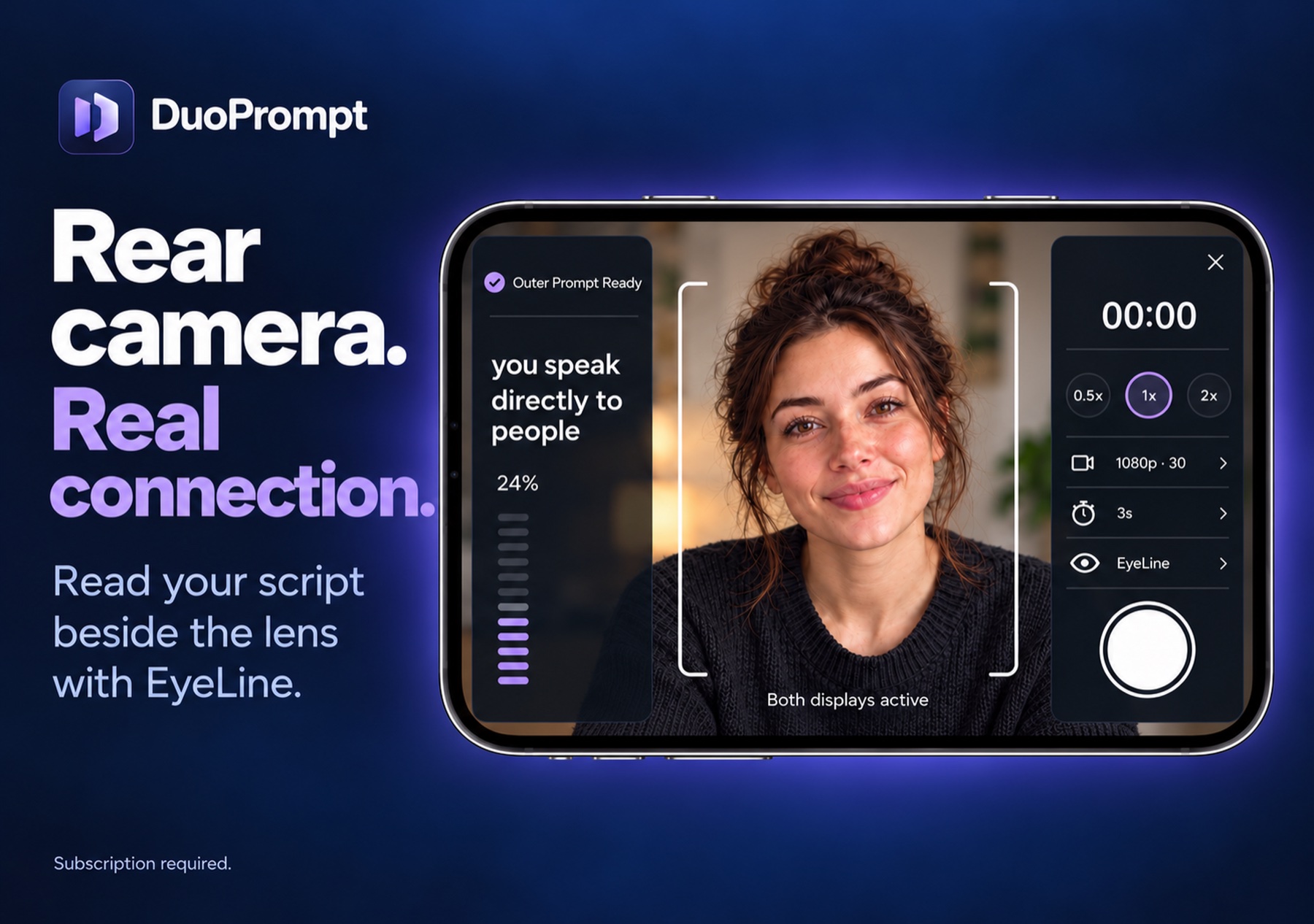
Rear camera. Real connection.
Frame your shot, choose your settings, and keep your words close.
Meet EyeLine
Keep the thought. Keep the connection. EyeLine puts your script on iPhone Duo’s outer display, beside the rear camera, while your recording studio stays on the inside.
Outer-display features require a supported camera session and system availability. When unavailable, your prompt stays on the inner display.
A little preparation. A better take.
Write from scratch, paste a thought, or import TXT and PDF files—even scanned pages. Your scripts save as you go.
Local library · Search · AutosaveAdjust text size, reading speed, and countdown. Rehearse before you record, or jump into an unscripted take.
EyeLine preview · Rehearsal · CountdownPlay it back, try again, and save your favorite to Photos or share it. Your prompt stays out of the recorded video.
Playback · Retake · ExportYes. iPhone Duo is the primary experience: manage scripts and recording on the inner display, and use EyeLine beside the rear camera on the outer display when the system makes it available. DuoPrompt requires iOS 27.1 or later.
Yes, on a supported iPhone running iOS 27.1 or later. The app uses an onscreen prompt and starts with the front camera. You can switch to the rear camera. Outer-display EyeLine and fill lighting are specific to iPhone Duo.
The script library and recording tools require an active monthly subscription or eligible free trial. Eligible users may receive a 3-day free trial, which automatically converts to a paid subscription unless canceled in time. Your localized price and offer appear before purchase. Manage or cancel in Apple subscription settings. See the subscription terms.
Scripts, settings, and recordings are stored locally on your iPhone. DuoPrompt does not provide a GuruApps cloud backup or sync service. Export important videos and keep separate copies of scripts. Access through the app is restricted after subscription expiry, although expiry does not itself delete your files. Firebase Analytics measures app usage; custom screen events do not include script text, titles, or recordings. Read our privacy details.
DuoPrompt starts at 1080p at 30 fps. Additional resolutions and frame rates appear when supported by your selected camera. Options vary with your device and camera; a hardware specification alone does not guarantee a mode is available in the app.
DuoPrompt pauses prompting and suspends the camera. If you’re recording, it finishes the take. Open the device again to return to your workflow and review the recording.

Meet DuoPrompt: Rear Teleprompter.
Made for the way iPhone Duo opens up.
Subscription required. Trial eligibility and pricing are shown before purchase.